Software • 3 Min Read
Building Modern Desktop Applications with WPF .NET
Sumit Kumar
January 02, 2026
What is WPF?
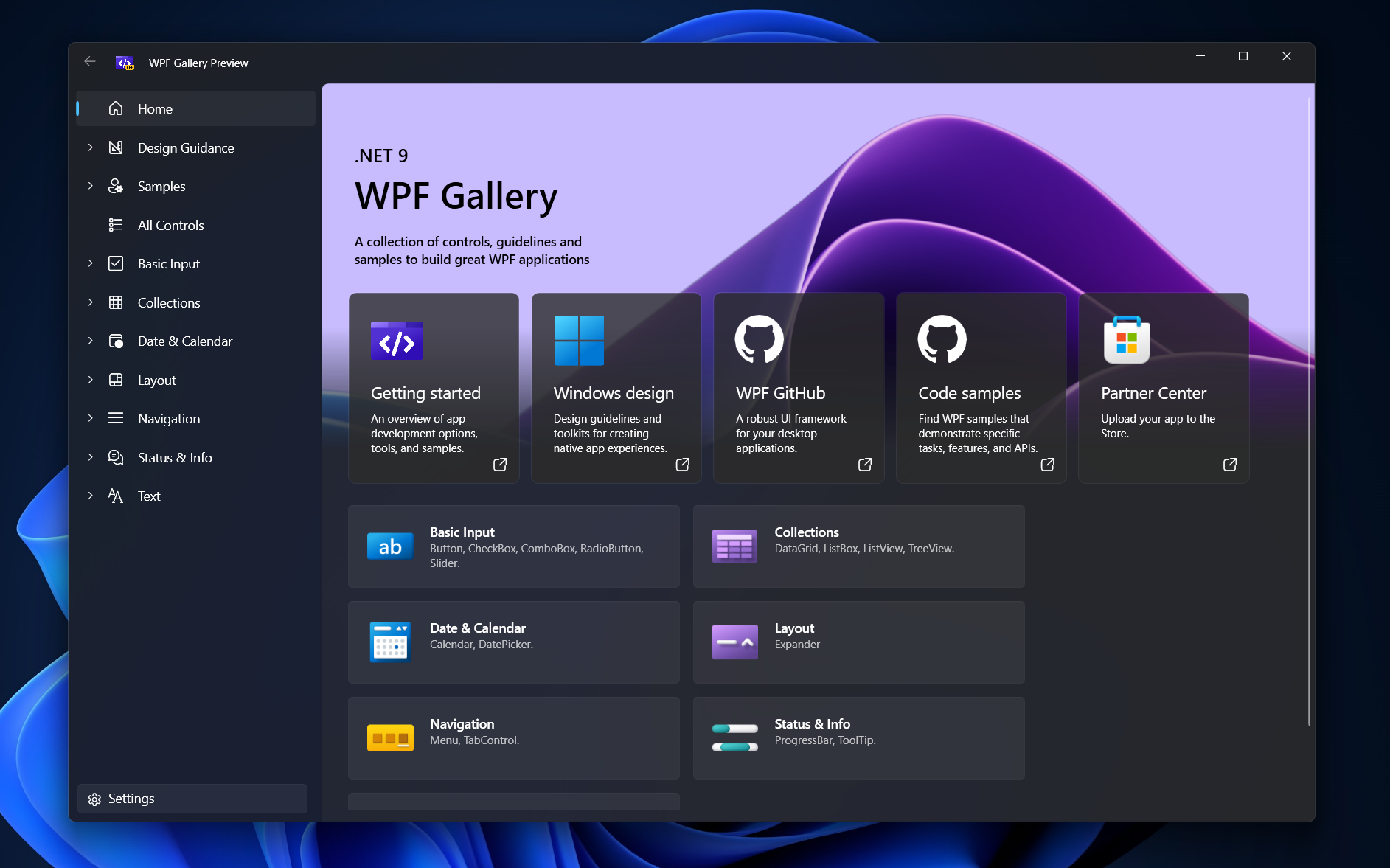
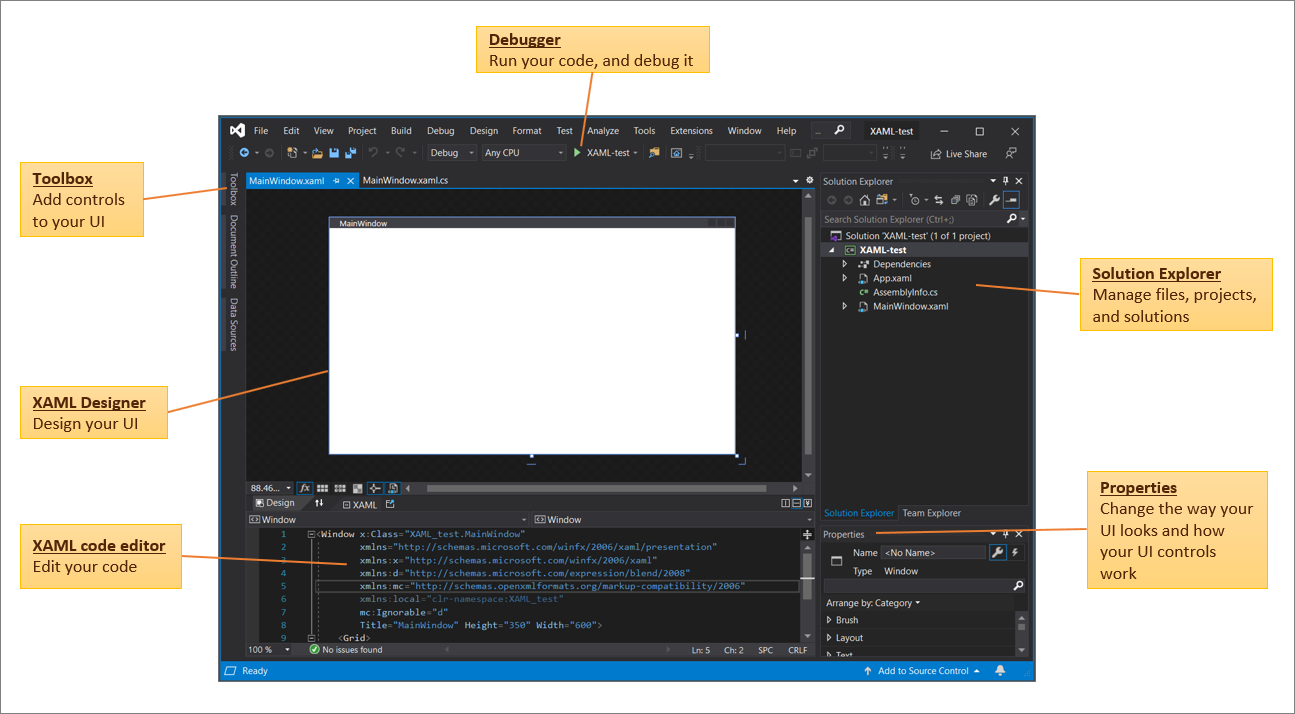
WPF (Windows Presentation Foundation) is a UI framework for creating Windows desktop applications using .NET. It uses XAML (Extensible Application Markup Language) to design user interfaces and C# or VB.NET for application logic.
Unlike traditional Windows Forms, WPF is built on a vector-based rendering engine, which allows applications to scale smoothly across different screen resolutions and DPI settings.
Why Use WPF?
WPF is designed for applications that need more than just basic forms and buttons. It excels in scenarios where UI richness, maintainability, and performance are important.
Key Advantages
1. Rich UI & Styling
WPF supports animations, gradients, shadows, templates, and custom controls, making it easy to build modern-looking applications.
2. XAML-Based UI Design
UI is separated from business logic, making code cleaner and easier to maintain. Designers and developers can work independently.
3. Powerful Data Binding
WPF’s data binding system allows UI elements to automatically reflect changes in data, reducing boilerplate code.
4. MVVM Architecture Support
WPF works perfectly with the MVVM (Model-View-ViewModel) pattern, which improves testability and scalability.
5. Hardware Acceleration
Rendering is handled by DirectX, ensuring smooth graphics and better performance.
Core Concepts of WPF
Understanding these core concepts is essential to mastering WPF development.
1. XAML
XAML is a declarative language used to design UI layouts. It defines windows, controls, styles, and animations in a readable format.
2. Data Binding
Data binding connects UI elements to data sources such as properties, collections, or databases. Changes in data are reflected in the UI automatically.
3. Dependency Properties
These properties provide advanced features like styling, animation, default values, and change notifications.
4. Styles & Templates
Styles define reusable UI appearance, while templates allow complete control over how controls look and behave.
5. Commands
Commands help handle user actions (like button clicks) in a clean, MVVM-friendly way without writing UI-specific logic in code-behind.
WPF and MVVM Pattern
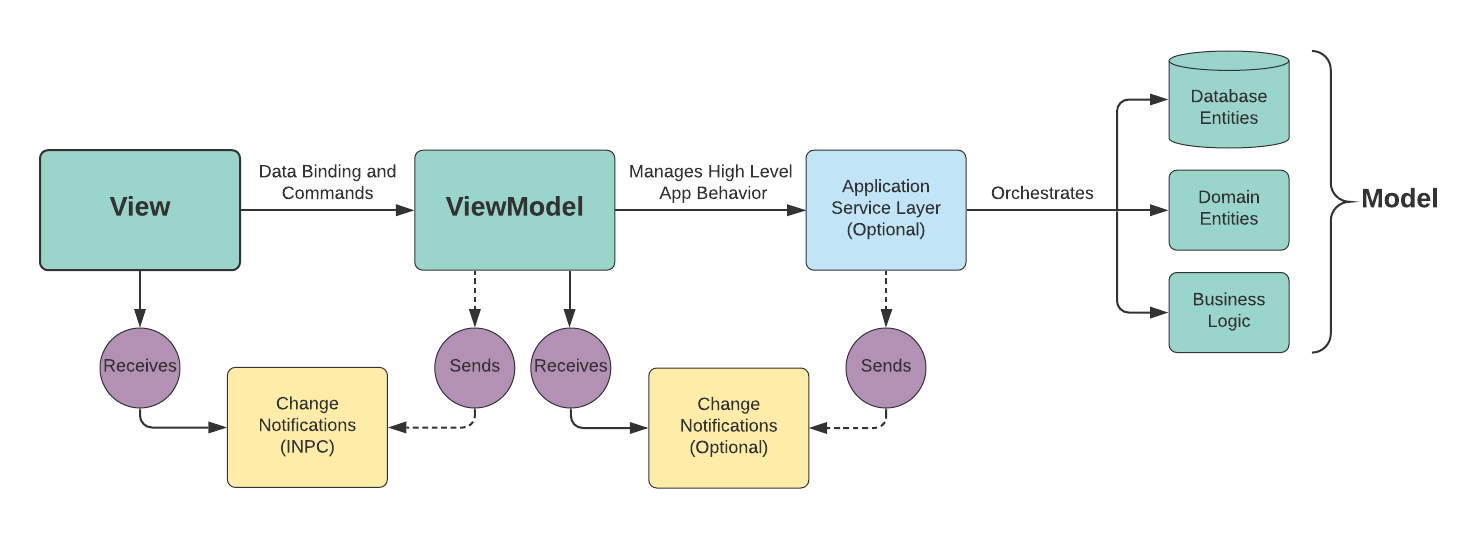
One of the biggest strengths of WPF is its natural fit with the MVVM (Model-View-ViewModel) pattern.
- Model: Business logic and data
- View: UI (XAML)
- ViewModel: Bridge between UI and data
This separation:
- Makes applications easier to test
- Improves maintainability
- Keeps UI logic clean and organized
When Should You Choose WPF?
WPF is a great choice if:
- You are building Windows-only desktop applications
- Your app needs rich UI and custom design
- You want clean architecture using MVVM
- You are developing enterprise or internal business software
- You need long-term maintainability and scalability
WPF vs Modern Alternatives
While newer technologies like web-based desktop apps and cross-platform frameworks exist, WPF still holds strong advantages:
- Better performance for Windows-only apps
- Mature ecosystem and tooling
- Strong integration with existing .NET systems
- Ideal for complex UI-driven applications
Final Thoughts
WPF .NET remains a powerful and reliable framework for building modern Windows desktop applications. Its rich UI capabilities, strong architectural patterns, and deep integration with .NET make it an excellent choice for professional and enterprise-level software.