APP • 2 Min Read
Simple Calculator
Sumit Kumar
December 29, 2025
Introduction to .NET MAUI
.NET MAUI (Multi-platform App UI) is Microsoft’s modern framework for building applications that run on multiple platforms using a single codebase. With .NET MAUI, you can create apps for:
- Android
- iOS
- Windows
- macOS
This makes it ideal for simple utility apps like calculators, notes apps, and converters.
Why a Simple Calculator?
A calculator is often the first real app developers build because it demonstrates core application concepts in a clear and understandable way. Even though the app is simple, it introduces important ideas such as:
- User interface layout
- User interaction through buttons
- Handling input and output
- Managing application state
App Concept Overview
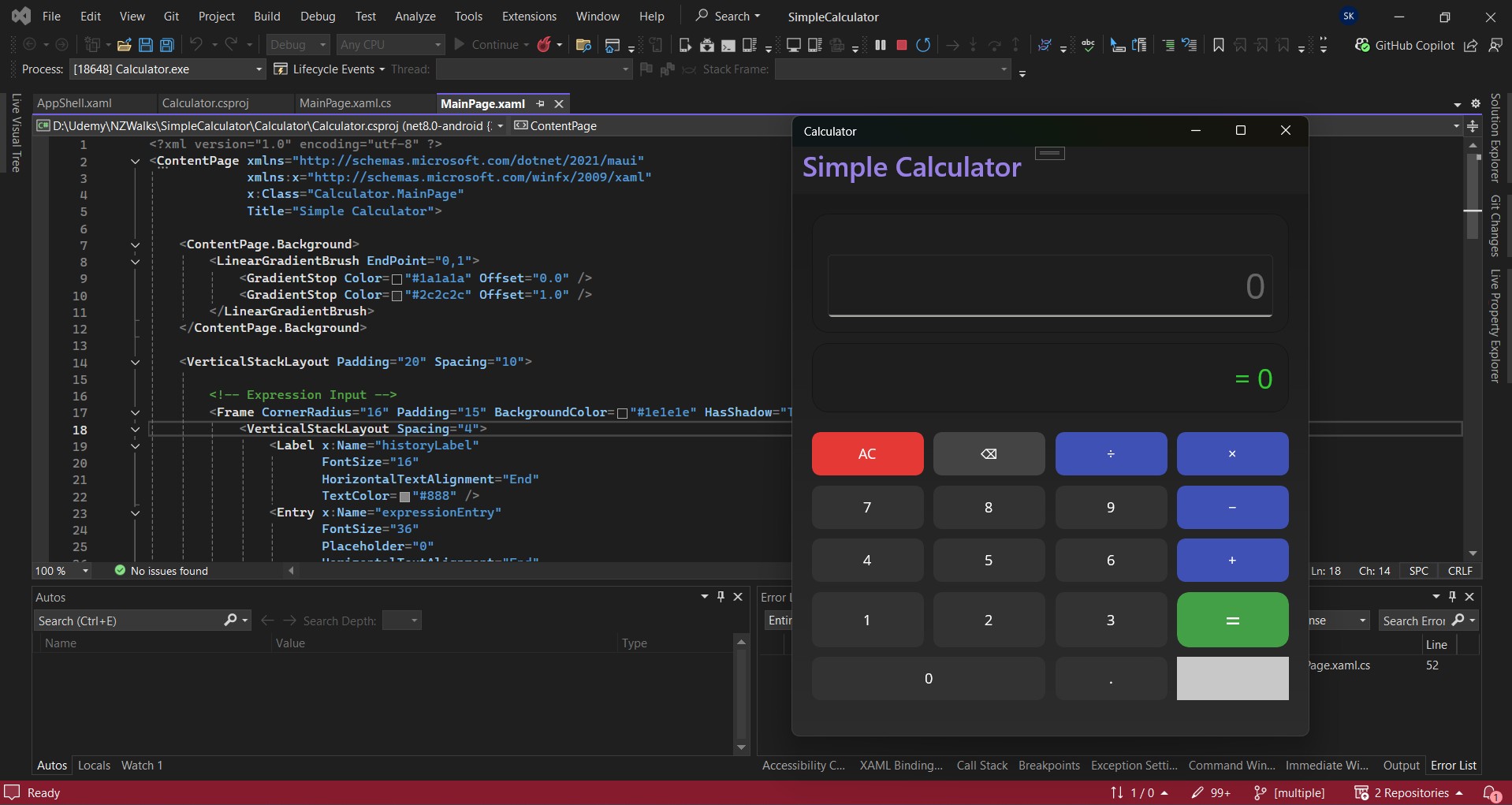
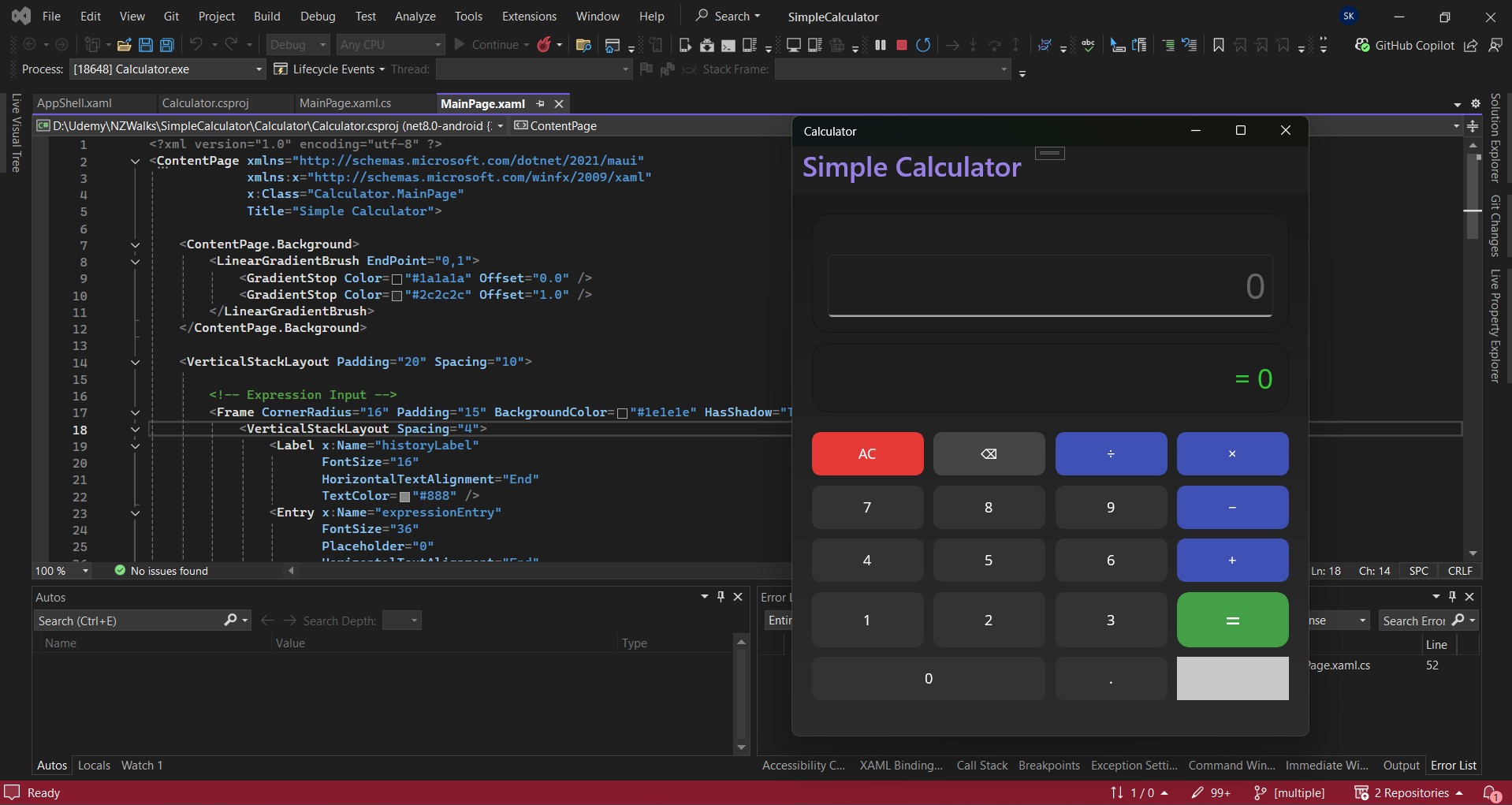
The goal of the simple calculator is to perform basic arithmetic operations in a clean and user-friendly interface. The app typically includes:
- A display area to show numbers and results
- Number buttons (0–9)
- Operation buttons (addition, subtraction, multiplication, division)
- Clear and equals actions
Despite its simplicity, this structure mirrors many real-world applications.
User Interface Design
In .NET MAUI, the UI is designed to be responsive and adaptive, meaning it looks good on different screen sizes.
For a calculator:
- Buttons are usually arranged in a grid layout
- The display is placed at the top for easy visibility
- Touch-friendly spacing ensures smooth interaction on mobile devices
A clean UI improves usability and makes the app feel professional.
How the Calculator Works (Conceptually)
At a high level, the calculator follows a simple flow:
- The user taps number buttons to enter values
- An operator is selected to define the calculation
- The second value is entered
- The equals action computes and displays the result
The app keeps track of the current input, selected operation, and final result behind the scenes.
Learning Outcomes
By building this simple calculator in .NET MAUI, you gain hands-on experience with:
- Cross-platform app development
- Event-driven application flow
- UI and logic separation
- Understanding how user actions trigger app behavior
These concepts apply to almost every app you’ll build in the future.
Where to Go Next
Once the basic calculator is complete, you can enhance it by adding:
- Decimal and percentage support
- Dark and light themes
- Calculation history
- Improved error handling
These improvements help you move from a beginner-level app to a more polished product.
Conclusion
A simple calculator built with .NET MAUI is a perfect starting point for developers exploring cross-platform development. It’s easy to understand, quick to build, and teaches foundational concepts that scale to larger applications.